Simple Pricing
The core is free forever. Pro makes it connected.
Keep every feature you already use at no cost. Upgrade only when you want Project Brain and portable agent work environments.
Free Forever
gulaq Core
$0forever
Today’s complete core functionality will not be moved behind Pro.
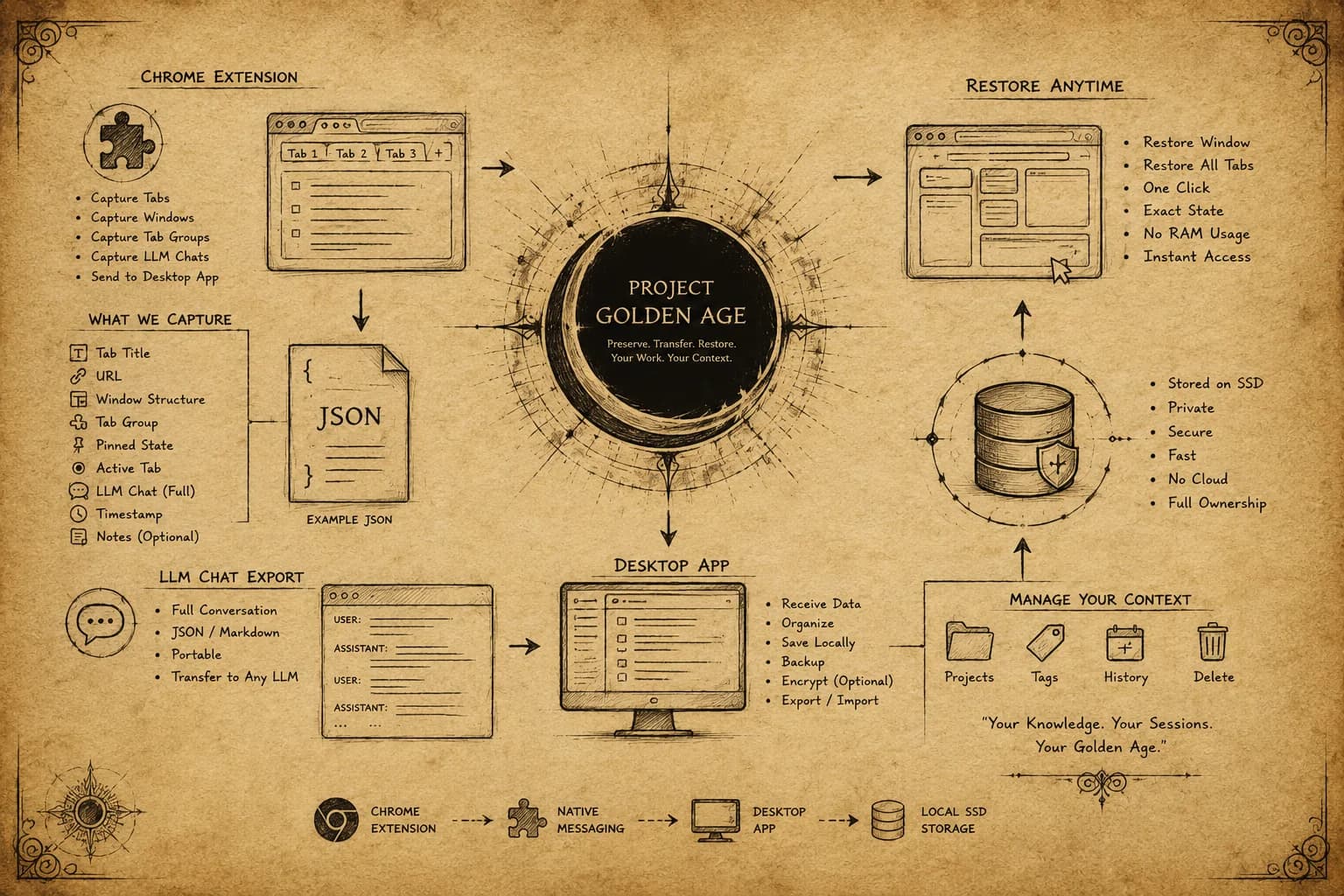
- ✓Save and restore browser workspaces
- ✓Capture chats from 5 supported AI platforms
- ✓Local SQLite vault and full-text search
- ✓JSON and Markdown exports
- ✓Workspace bundles and local backups
- ✓All current core functionality, forever
Install FreeAdvanced intelligence
Coming Soon
gulaq Pro
$4USD / month
Build a connected memory from your conversations and carry complete agent-ready environments between projects.
Project Brain
Connect conversations into living knowledge graphs, trace topic threads across chats, and see how ideas evolve.
Ask Your Conversations
Ask questions across a Brain with local-first retrieval, saved summaries, and a clear “where you left off” view.
Work Environments
Save complete tool, skill, agent, instruction, and repository environments as reusable local collections.
One-click IDE Transfer
Copy or import an entire working environment in one action, including individual tools and reusable agent resources.
GitHub Environment Import
Bring agent-ready repositories into your environment library directly from GitHub and preview every captured item.
New Pro Intelligence
Receive future advanced knowledge, automation, and environment-portability features while the core remains free.
gulaq Pro — Coming Soon
Planned price: $4 USD billed monthly. Cancel anytime after launch. A 14-day refund window will apply to the first Pro payment. Secure checkout and tax handling will be provided by Lemon Squeezy.
What you are buyingAfter launch, a recurring license for the Pro features listed above—not the free core application.
DeliveryAfter launch, Pro access will be applied to your gulaq account after successful checkout.
Manage subscriptionAfter launch, use the Lemon Squeezy customer portal to update billing or cancel anytime.